In the vast and complex world of the internet, every interaction leaves a trace. When you visit a website, your browser sends a small but crucial piece of information to the server, identifying itself. This identifier is known as the User Agent string.
While it might sound like technical jargon, understanding your User Agent can be surprisingly useful for both everyday users and developers. Let's dive into what a User Agent is, why it's important, and how you can easily find yours with SeoPerc's free User Agent Finder tool.
What Exactly is a User Agent?
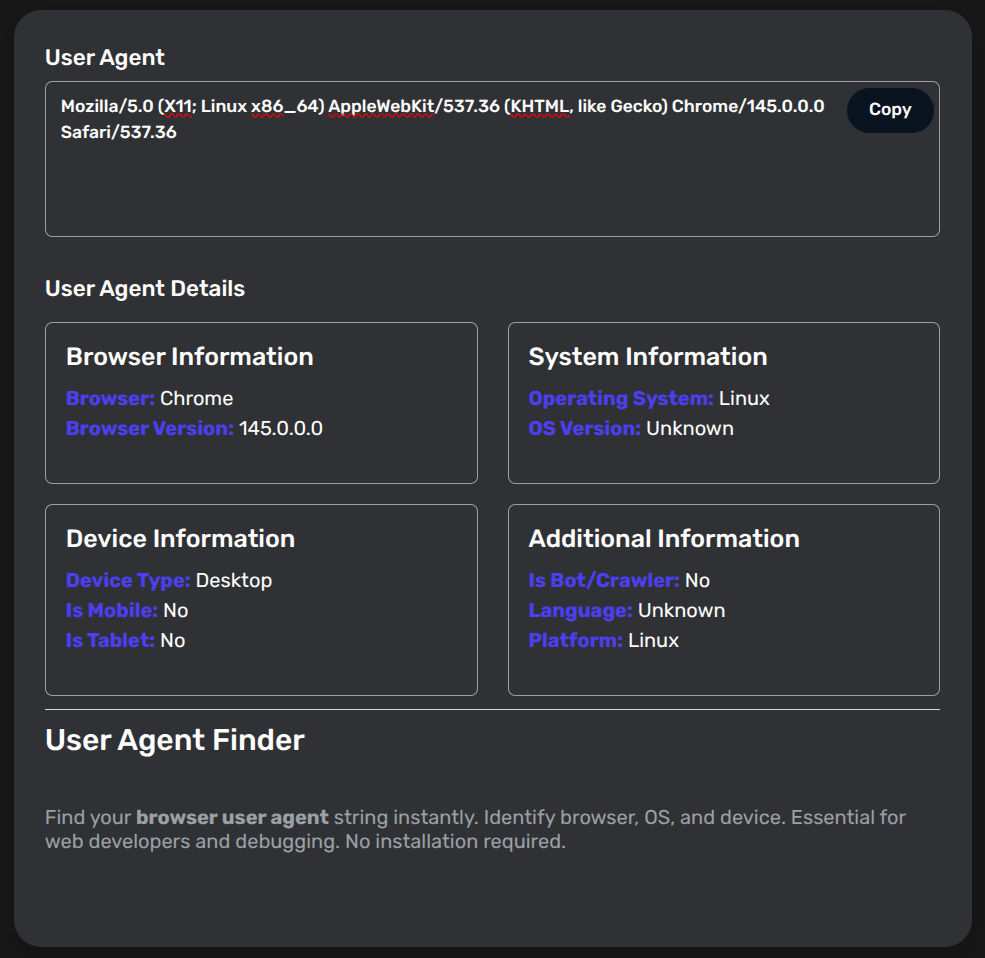
Think of a User Agent as your browser's digital ID card. It's a short text string that your web browser (or any application accessing the internet) sends to the web server every time it makes a request. This string contains details about:
- Your browser: (e.g., Chrome, Firefox, Safari, Edge)
- Its version: (e.g., 120.0.6099.71)
- Your operating system: (e.g., Windows, macOS, Android, iOS)
- Sometimes, your device type: (e.g., Mobile, Tablet, Desktop)
- Even rendering engines: (e.g., AppleWebKit, Gecko)
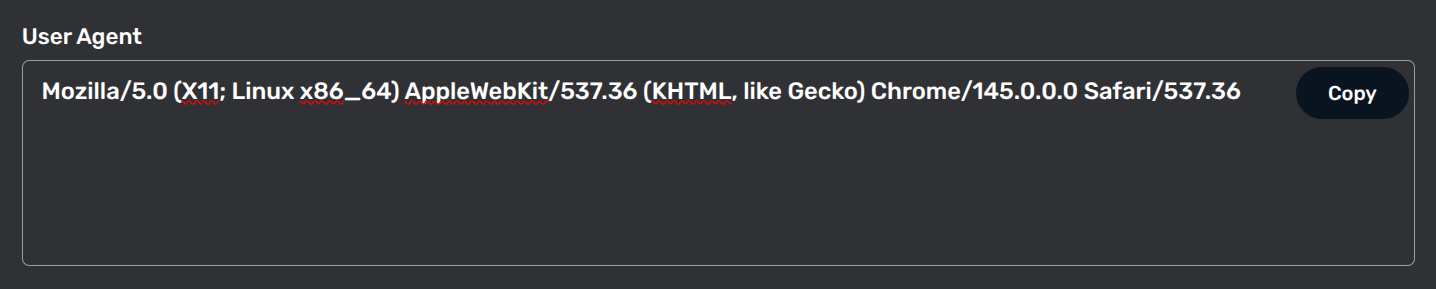
Here's an example of what a User Agent string might look like (don't worry if it seems like gibberish!):
Mozilla/5.0 (Windows NT 10.0; Win64; x64) AppleWebKit/537.36 (KHTML, like Gecko) Chrome/120.0.0.0 Safari/537.36
Why Does Your User Agent Matter?
The User Agent string isn't just for curiosity; it serves several critical functions:
1. Website Optimization and Compatibility
Web developers use User Agents to deliver optimized content. For example:
- A website can detect if you're on a mobile phone and automatically serve its mobile-friendly version.
- It can identify your browser and adjust CSS or JavaScript to ensure a seamless experience, avoiding rendering issues.
2. Tracking and Analytics
Analytics tools like Google Analytics use User Agent data to provide website owners with insights into their audience. They can see what browsers and operating systems visitors are using, helping them make informed decisions about their website's development and design.
3. Security and Fraud Detection
In some cases, User Agents can be used for security purposes. Unusual User Agent strings might flag suspicious activity, helping to detect bots or fraudulent attempts to access systems.
Frequently Asked Questions (FAQ)
Q: What is a User Agent string used for? A: Websites use the User Agent string to identify your browser and operating system. This allows the server to serve the correct version of a site (like mobile vs. desktop) and ensures that features are compatible with your specific browser version.
Q: Can I change or "spoof" my User Agent? A: Yes. Developers often change their User Agent using browser extensions or developer tools to test how a website looks on different devices (like an iPhone or an Android tablet) without actually switching hardware.
Q: Is a User Agent the same as an IP address? A: No. Your IP address identifies your connection's location on the internet, while a User Agent identifies the software and hardware you are using to browse.
Q: Why does my User Agent say "Mozilla/5.0"? A: This is a common "legacy" string. Almost all modern browsers include "Mozilla/5.0" for historical compatibility reasons to ensure web servers don't block them, even if they aren't actually using Mozilla software.
Q: Does every browser have a User Agent? A: Yes. Every tool that connects to the web—including browsers like Chrome and Safari, and even search engine bots like Googlebot—sends a User Agent string to identify itself to the server.
Conclusion
Understanding your User Agent is more than just a technical curiosity; it is a vital part of how the modern web functions. Whether you are a developer debugging a layout issue, a marketer analyzing traffic, or a privacy-conscious user, knowing what information your browser is sharing is the first step toward a better online experience.
Ready to see what your browser is telling the world? Use our Free User Agent Finder Tool to get your full string instantly in one click.